
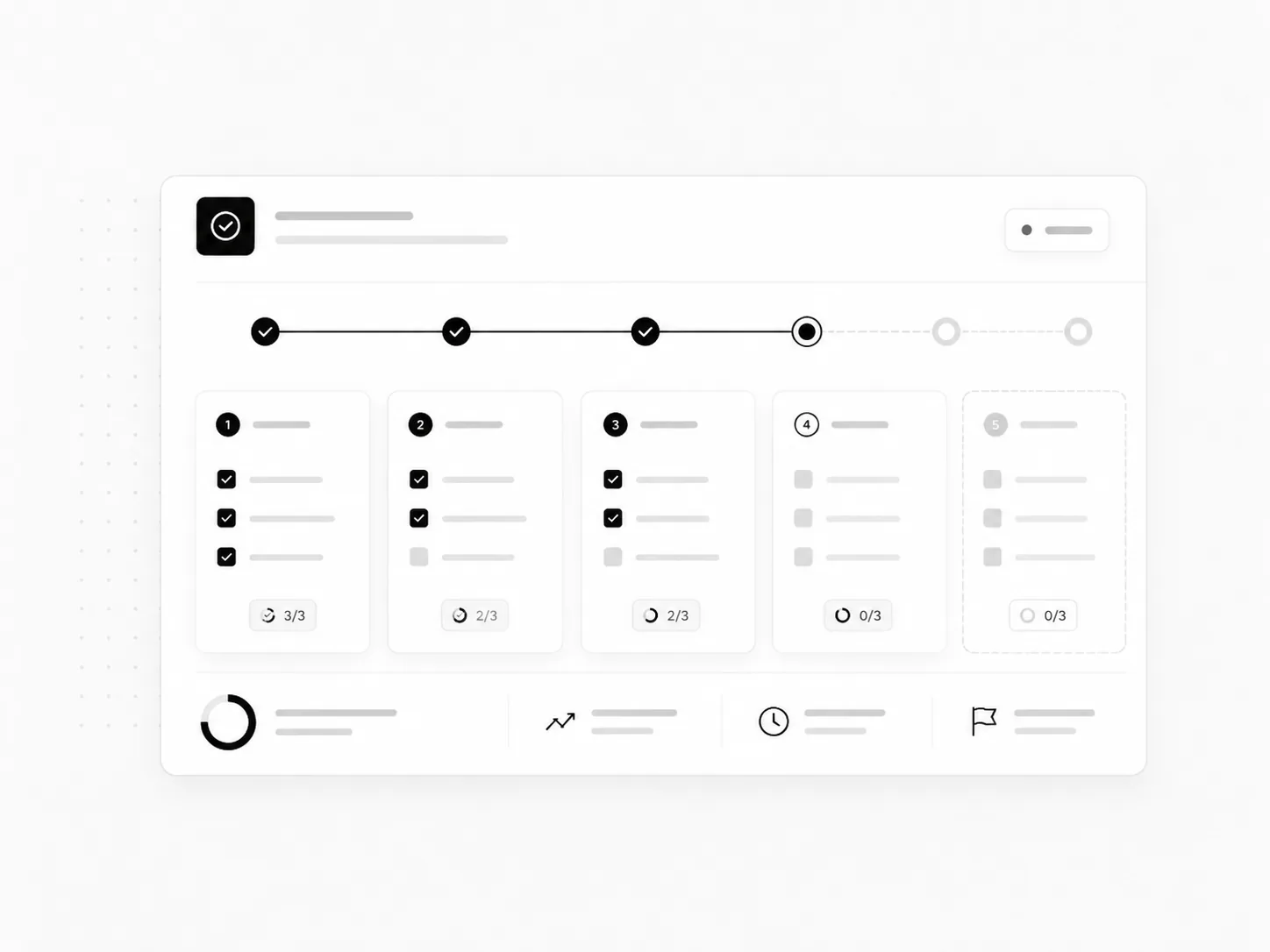
See progress
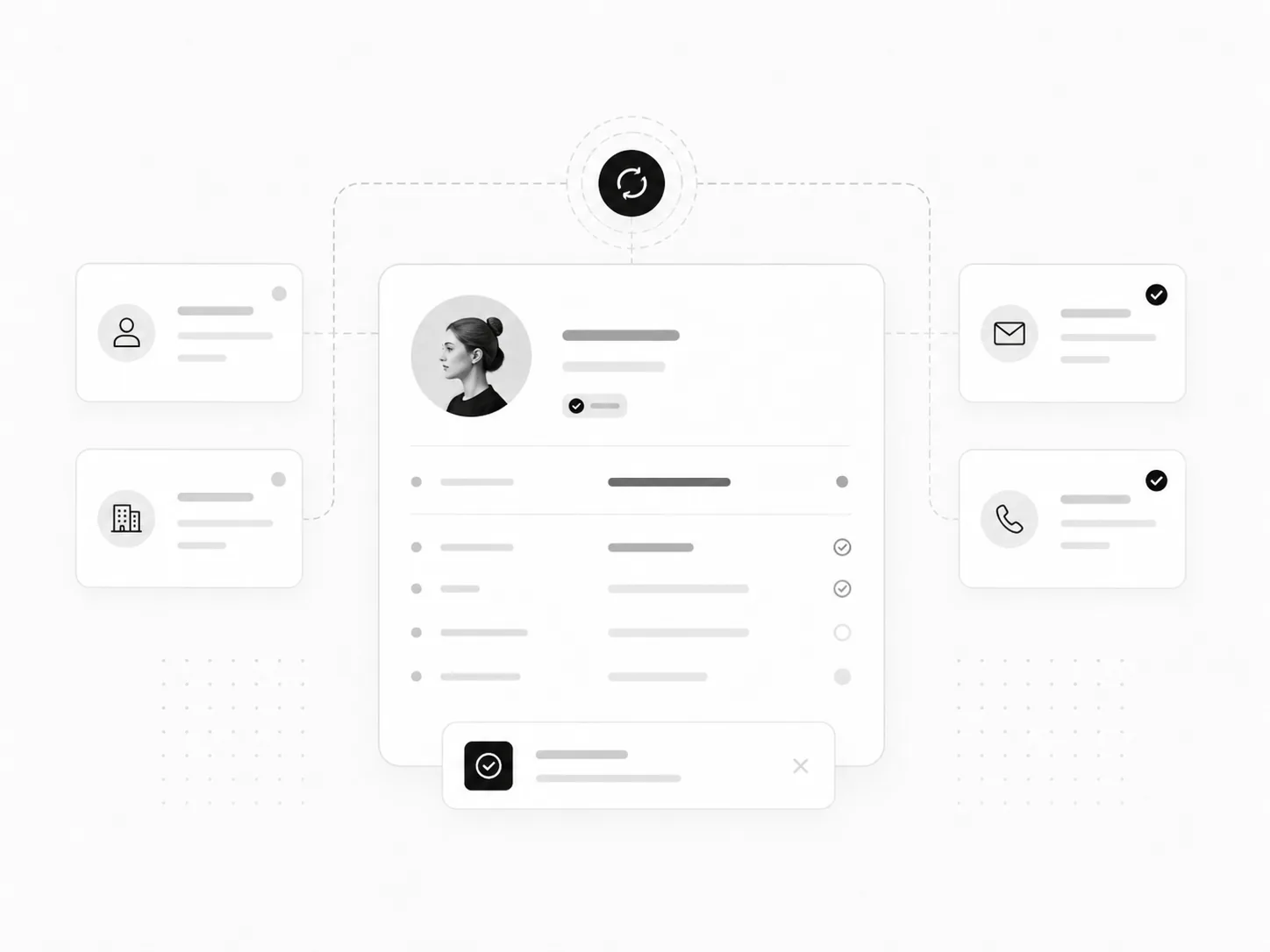
Ownership, status, and blockers stay visible.
Business Process Automation
I build business process automation around ownership, handoffs, records, approvals, and reporting so recurring work has a clear path from start to finish.
Map the process and ownership first, then automate intake, routing, approvals, handoffs, record sync, and reporting where repetition is creating drag.
The process should become easier to follow, not harder to understand because automation was added.
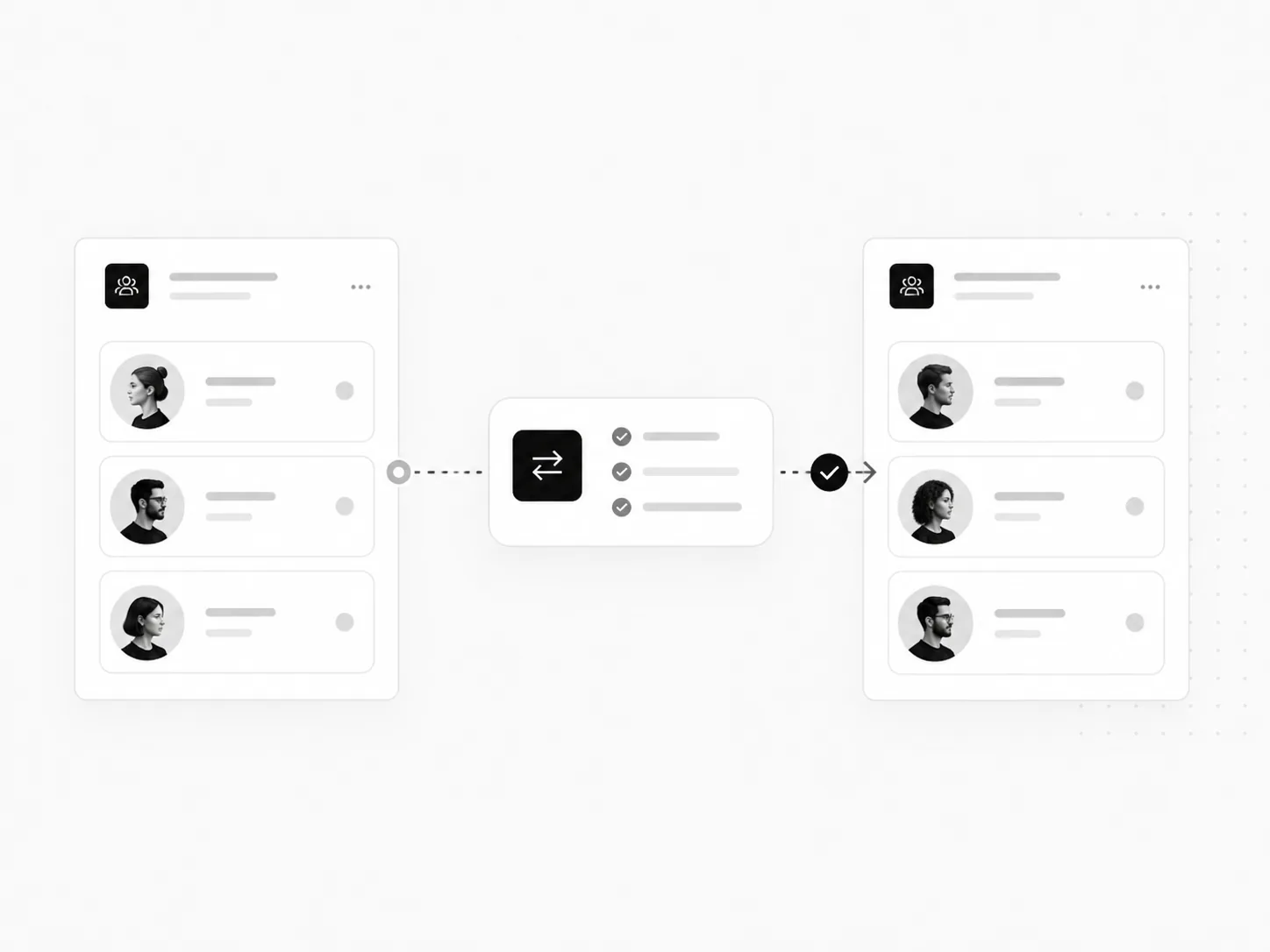
Ownership, status, and blockers stay visible.
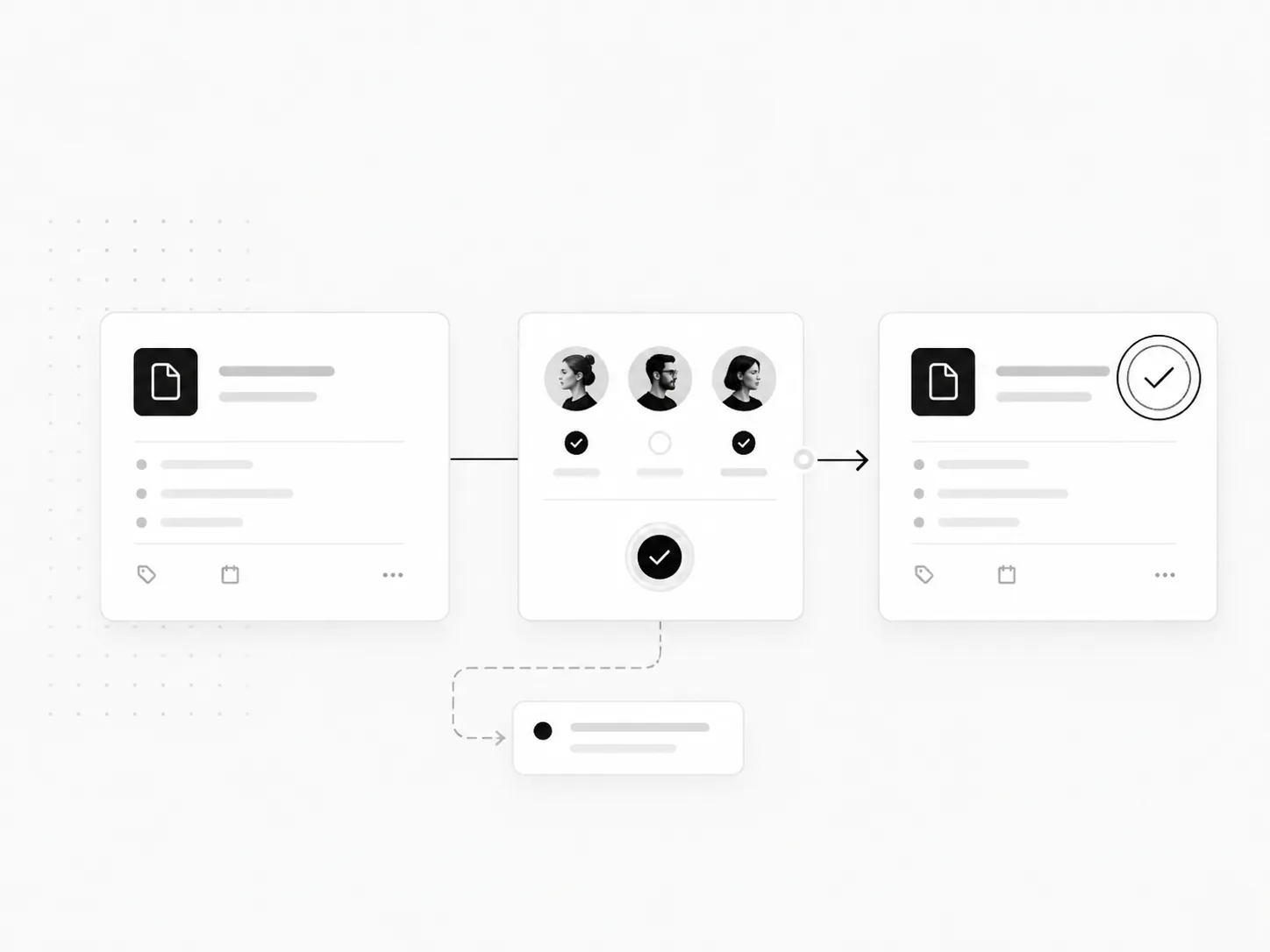
Decisions move to the right person and back into the process.
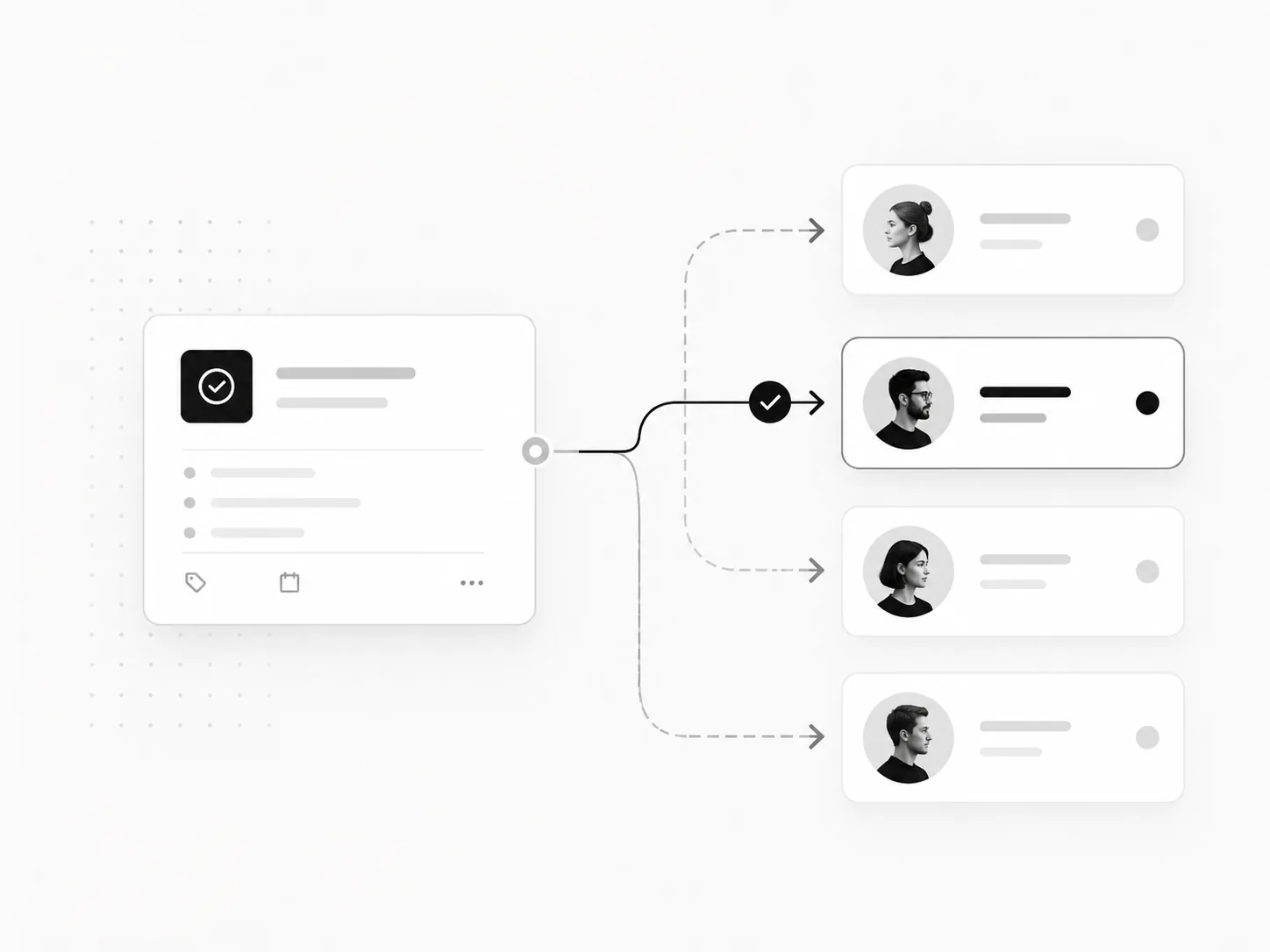
Evidence from real work
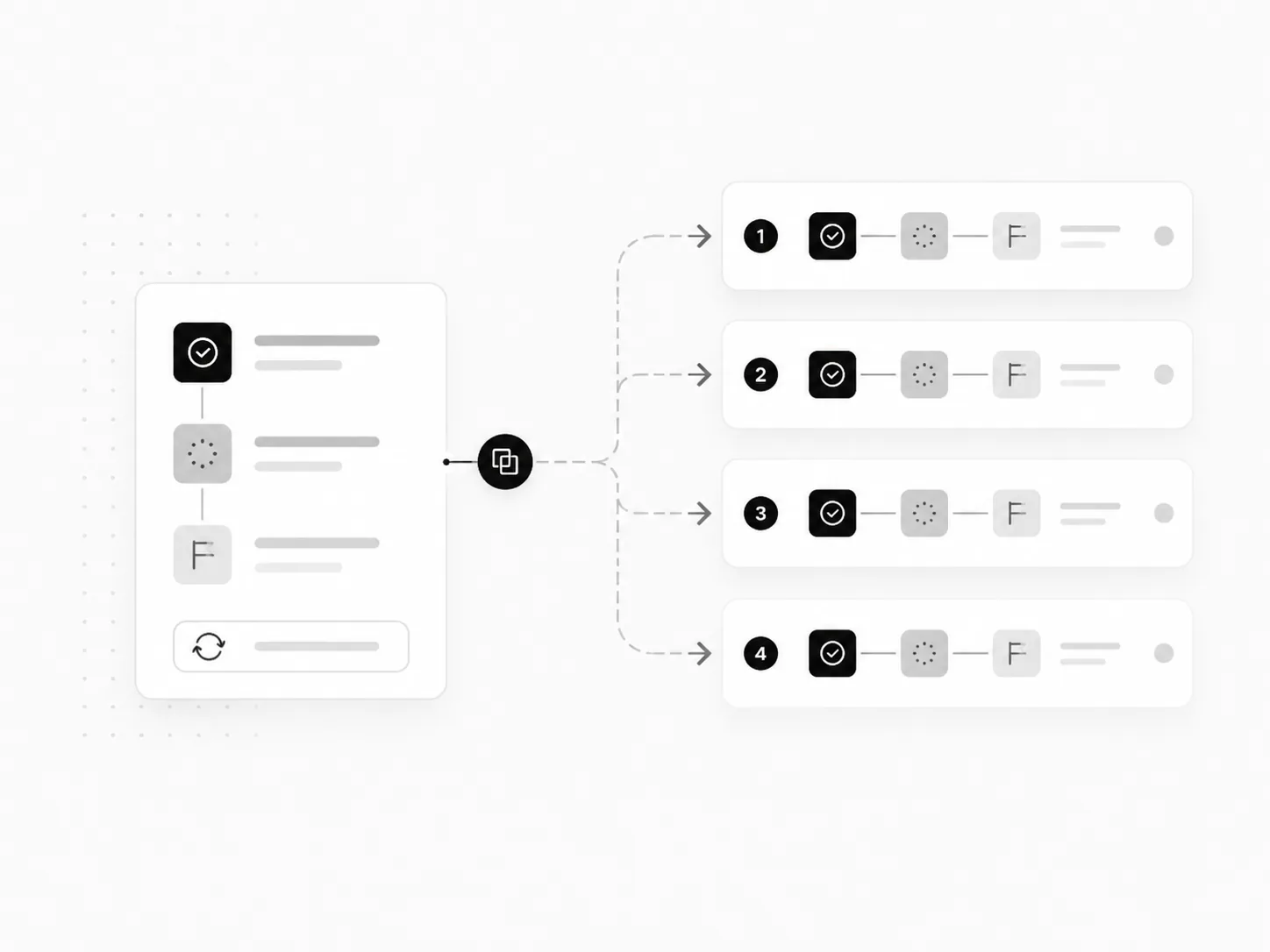
The C4I operating architecture came from repeated client delivery work and turned recurring sales, onboarding, support, scheduling, and follow-up setup into one reusable operating layer. My ClickUp systems show the same principle on the delivery side: ownership, priorities, issues, approvals, and active work kept in one operating structure.
Operations automation is designed for repeated internal work: onboarding, fulfillment, approvals, handoffs, service requests and exception resolution. It is not primarily about attracting leads. The useful outcome is fewer hidden tasks and less ambiguity about who must act when a process changes state.
List the events that start work, the minimum data required and the person or team accountable for each state. Separate task creation from task completion: an automated checklist can still become a dead queue.
Identify approval gates for money, access, customer-facing changes and irreversible actions. A deterministic workflow should move routine tasks; a human should approve exceptions that require judgment or carry operational risk.
Pick where records live. A project tool such as ClickUp may own delivery status while a CRM owns customer details; synchronizing every field both ways is often worse than linking stable record IDs and updating only what each team needs.
A contract is signed, but the assigned project manager is away and some intake details are missing. Starting every task automatically would produce a misleading green dashboard. A better sequence makes readiness explicit.
01
Verify the signed or paid event and check that it belongs to an existing customer. Replayed events should not generate a second workspace.
02
Check the intake packet, access permissions, delivery owner and scope. Missing information produces a request and a waiting state, not an apparently active project.
03
Create a project from an appropriate template, assign milestones, deadlines and accountable reviewers, and connect it to the CRM customer ID.
04
Escalate unresolved blockers after a defined threshold and record the cause, owner, and recovery action rather than silently retrying forever.
What I would test: Test a rescinded agreement, partial payment, repeat customer, missing credentials, reassigned project owner, failed downstream API call and a previously completed client returning for new work.
Illustrative implementation walkthrough, not a claim of an additional completed client project.
Track handoff delay, incomplete intake rate, unowned tasks, missed service deadlines and reopened work. The target is work that is observable and recoverable, not simply a larger count of automated tasks.
Approvals involving money or sensitive access, ambiguous exceptions, decisions with unclear policy and one-off processes that change every week often need a human checkpoint. Automate the predictable preparation and routing; keep judgment and irreversible actions behind an explicit authority boundary.
Record the failed step and its identifiers, assign an owner, and provide a safe retry path. A workflow that sends a request twice can create duplicate projects, notifications or invoices, so recovery should check which actions already succeeded before repeating them.
Shows delivery-oriented structures for priorities, ownership and work. The C4I case study covers CRM-side sales, onboarding and support workflows.
Technical documentation: n8n documentation on failed executions and recoverable retries. Platform features, eligibility, and limits can change.